
This is an old revision of the document!
Table of Contents
Web Based Password Change at IBG
Web based password changing will only work from on-campus computers. From off campus the CU VPN must be installed and running before online password changing will work.
Where to Go
The URL for password changes is https://ibg.colorado.edu:901
It is probably easiest to right-click on the above link and select Open link in new window (or whatever is appropriate in your browser) so that these instructions can be seen at the same time as the password change window.
Initial Login
Before anything is shown on the web page a login window will be presented:
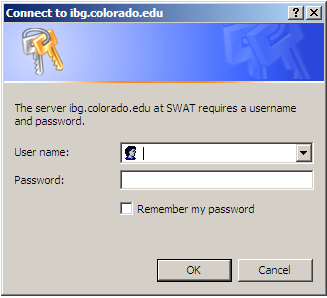
Enter your username and existing password into the appropriate boxes. If you have multiple IBG passwords, this is the same username and password that you use to access IBG e-mail, such as Squirrelmail.
SWAT Page
The browser will no show the SWAT page:
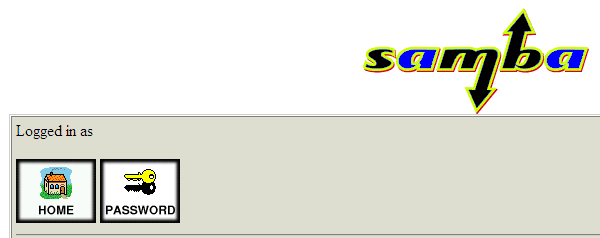
Click on the  button.